Ladvien's Lab

Latest Posts

Showing human-only content
Beaglebone Black

8/25/13:

This fellow here has made some pretty nifty walkthroughs on the rtl8192 and the Chronodot (DS3231) RTC on the Arch Linux. Though I've not attempted his instructions (been burnt out on this board) I believe his instructions will get a reliable WiFi connection with the rtl8192, using Arch Linux, on the B^3.

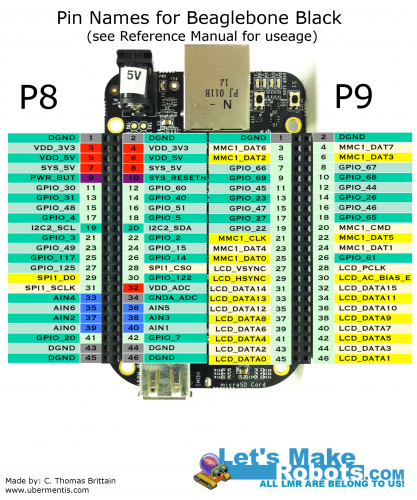
Also, when I get the energy, the pinout at the bottom of this page has a mistake or two. As Zaius pointed out.

EDIT: Ok. Don't use the pinout until I research more. I'm getting conflicting information ...
OpenCV on a Raspberry Pi

Originally posted on www.letsmakerobots.com

Code

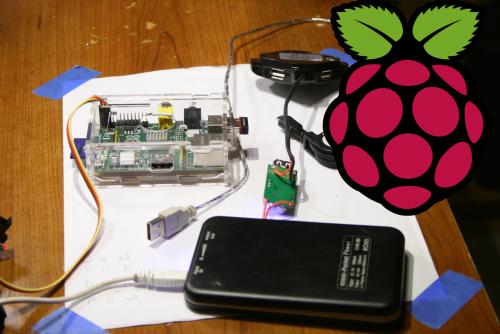
No longer afeared of frying my Pi, I've moved on to trying to implement some of my bot goals. Like many, I want my bot to be able to interact with people, but I didn't realize that I'd stumble on this ability.

I've looked at many visual processing boards like the CMUcam v4 , but I'm not paying $100 for any board. I looked into making one, it looks possible, but not much cheaper. So, I got curious as to what alternatives there are. I stumbled on Hack-a-Day's recommended article: OpenCV on Raspberry Pi ...

Pi Power -- How I Made a Battery Powered USB Hub

Originally posted on www.letsmakerobots.com

As I prepare to start adding peripherals to my Pi Bot, I wanted to be sure to get around the 700ma power budget the Pi has. After searching for a cheap battery powered USB hub and finding little, I decided to hack up a few cheap(ish) parts and make my own.

  1. USB Hub : $1.39

  2. 5000mAh Battery : $17.93

  3. DC-DC Converter : $2.76

Total: $22.08

The Battery Hack:

1. Crack it open.

2. Find POWER and GND.

3. Wire it up.

4. Make a small hole for wires and bring wires out ...

Blueberry Pi -- How I Setup My Raspberry Pi as a Robot Base

Originally posted on www.letsmakerobots.com

This article is specific: How I personally would setup my Raspberry Pi to act as robot base. But, I'll be clear, this is one of nth possible setups. A chessboard has 64 squares but those working the board allow for innumerable possibilities.

That aside, here we go:

1. Get Berryboot. Berryboot will allow you to download several Raspberry Pi images.

Now extract the zip files to a blank SD card.

Put the BerryBoot SD card in your Pi and boot it up.

2. Setup RPi with Raspbian Wheezy (first option).

3. Setup your WiFi ...

Arduino to RPi -- Galvanically Isolated I2C

Originally posted on www.letsmakerobots.com

Breakout PCB Arduino Code

I've waited to finish incorporating my Raspberry Pi into my bot for an ample bit. But since I know so little about electricity, I swore to myself I wouldn't add my Pi to my bot until I was absolutely sure I wouldn't fry it.

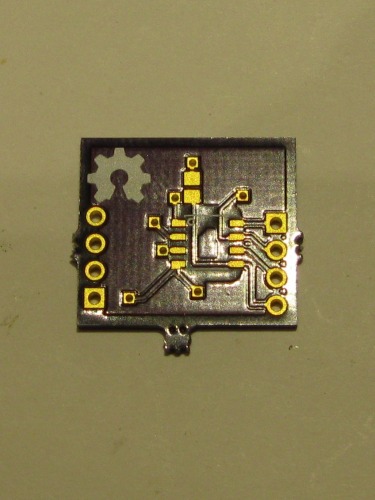
Well, I'm still not "absolutely" sure, but I feel this little optoisolator has brought me a lot closer. This builds on my post a week or so ago about making Eagle parts.

I plan to actually list out what tweaks a Wheezy image needs to get ...

Populating and Programming and APM

Originally posted on www.letsmakerobots.com

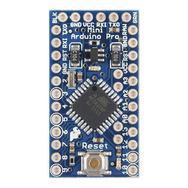
I decided to try making an Arduino Pro Mini at home. Being done, it's not worth it. You can buy one for a dollar more than you can make them, and it took awhile to populate. Although, it's "fun."

This projects was also a chance for me to test the Spying-Stalactite I built.

I've enjoyed it. It allows me to reflect on my strategy while populating boards. It's simply a drop down with some high-powered LEDs (~2500 lumen), heatsink, and coolant fan. It has a hole for my iphone to do the recording. Cheap ...

My Eagle PCB Walkthrough

Originally posted on www.letsmakerobots.com

Addendum: Please don't watch my videos. After Birdmun's comment I found Hack-a-Day has created better videos (shakes fist at Hack-a-Day) and I don't want anyone to waste anyone's time. Although, mine has a better soundtrack and less mutton-chops :)

Hack-a-Day videos:

  1. Learning Eagle CAD Part 1 -- Schematic & Custom Parts
  2. Learning Eagle CAD Part 2 -- Schematic & Custom Parts (includes making a part)
  3. Learning Eagle CAD -- CAM Processor
  4. Learning Eagle CAD -- Layout

Original: I was speaking with TeleFox and Birdmun about finding an optoisolator for use with my Raspberry Pi; I had gotten some samples of these ...

Make an ADXL345 Breakout Board

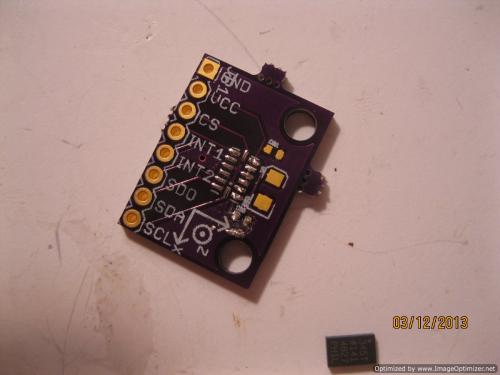
Originally posted on [www.letsmakerobots.com](www.letsmakerobots.com 1. Get over to Analog Devices and sign-up for a sample account. They seem to be pretty nice and let you order several samples every month, I believe.

2. Order a few samples of the ADXL345 chip from Analog Devices.

  1. Download the Eagle files from Sparkfun: ADXL345 (Note the price).

  1. Sign up for an OSHPark account. Then, upload the .brd found in the Eagle files.

  1. Order the capacitors.

2 x 0.1uF

1 x 10uF

  1. Try to learn Python while the mail peoples do their magics.

** **

  1. Flip-off your Python code and ...

Mega Mini Motor Shield (M^3)

Originally posted on www.letsmakerobots.com

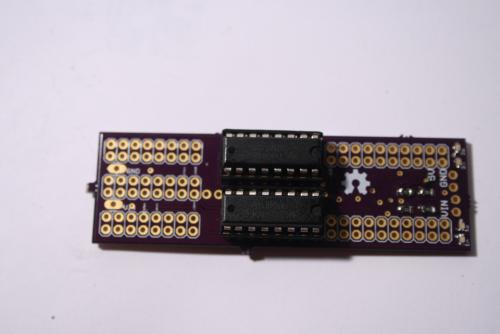
I finally got in my Mega Mini Motor (M3) shield that I designed. I was surprised, after populating the board: It actually worked. The board came about after making the Arduino Mega Mini . I noticed I wouldn't really be reducing the bulk of my bot because of the amount of wiring it would take to get logic to the Arduino Motor Driver shield I was using. Therefore, I set out to design a motor driver shield that would plug right into the MegaMini. I broke out Eagle and some datasheets on an assortment of ...

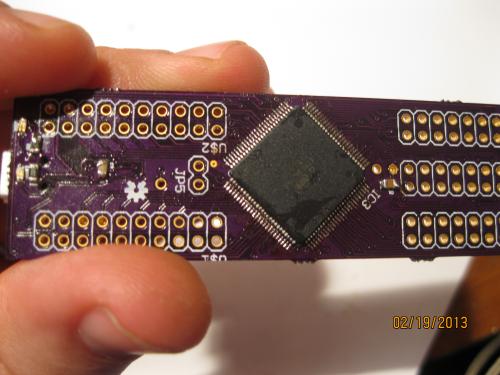
The Hunter S. Thompson Board -- Arduino Mega Mini

Six months ago I bought my first Arduino. Bought it at the Shack. I'd never worked with electronics, but I had to replace a momentary switch on my computer and wanted more. I quickly woke to the Open Hardware community.

A month later, I was reading about making your own PCBs at home. I made my first home board a few days later. It was a motor driver board, and well, it was a mixed success. Definitely not a looker (http://wp.me/p37cuD-3q). But I was hooked. I wanted to do something more sophisticated. And I was spurred on ...