
Ladvien's Lab

Latest Posts

Showing human-only content
Scraping Images from Google Search Results using Python

This articles relies on the code written by Fabian Bosler:

I've only modified Bosler's code to make it a bit easier to pull images for multiple search terms.

The full code can be found the series' Github repository:

Magic Symbols

As I've mentioned in my previous article, I needed a lot of images of magic symbols for training a deep convolutional generative adversarial network (DCGAN). Luckily, I landed on Bosler's article early on.

To get my images, I used Chrome browser, Chromedriver, Selenium, and a Python script to slowly scrape images from Google's ...

Train a Generative Adversarial Network to Create Magic Symbols

I love folklore dealing with magic. Spells, witches, and summoning the dead. It all piques my interest. I think it inspires me as it is far removed from being a data engineer--I know it might kill aspirations of young data engineers reading, but data engineering can be a bit boring at times. To beat the boredom, I decided to mix my personal and professional interests.

I've scraped the internet for images of magic symbols, then trained a deep convolutional generative adversarial network ( DCGAN ) to generate new magic symbols, which are congruent to real magic symbols. The DCGAN is built using ...

How to Send Data between PC and Arduino using Bluetooth LE

A how-to guide on connecting your PC to an Arduino using Bluetooth LE and Python. To make it easier, we will use bleak an open source BLE library for Python. The code provided should work for connecting your PC to any Bluetooth LE devices.

Before diving in a few things to know

  • Bleak is under-development. It will have issues
  • Although Bleak is multi-OS library, Windows support is still rough
  • PC operating systems suck at BLE
  • Bleak is asynchronous; in Python, this means a bit more complexity
  • The code provided is a proof-of-concept; it should be improved before use

Ok, all ...

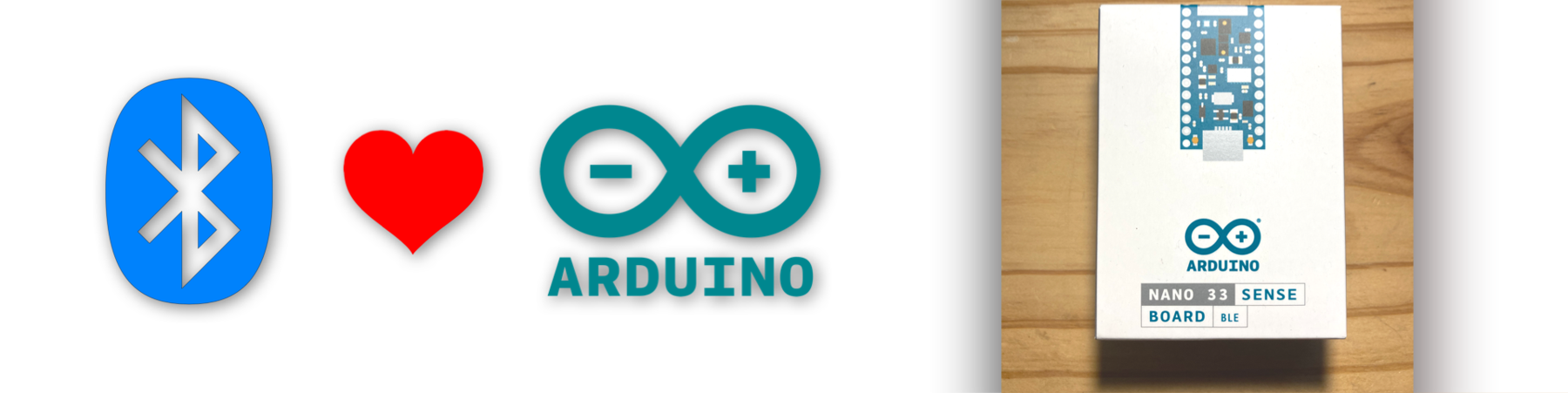
Getting Started with Bluetooth LE on the Arduino Nano 33 Sense

This article will show you how to program the Arduino Nano BLE 33 devices to use Bluetooth LE.

Introduction

Bluetooth Low Energy and I go way back. I was one of the first using the HM-10 module back in the day. Recently, my mentor introduced me to the Arduino Nano 33 BLE Sense . Great little board-- packed with sensors!

Shortly after firing it up, I got excited. I've been wanting to start creating my own smartwatch for a long time (as long the Apple watch has sucked really). And it looks like I wasn't the only one:

Arduino RAMPs 1.4 Custom Firmware

This article is part of a series documenting an attempt to create a LEGO sorting machine. This portion covers the Arduino Mega2560 firmware I've written to control a RAMPS 1.4 stepper motor board.

A big thanks to William Cooke, his wisdom was key to this project. Thank you, sir!

Goal

To move forward with the LEGO sorting machine I needed a way to drive a conveyor belt. Stepper motors were a fairly obvious choice. They provide plenty of torque and finite control. This was great, as several other parts of the LEGO classifier system would need steppers ...

Programming Arduino from Raspberry Pi Command Line

I've been working on an automated system for sorting LEGOs. It seems like a simple enough task, however, the nuances of implementation are ugly. I have prototypical solutions for a few of these challenges, such as identifying the LEGO and creating training data for supporting the classifier. But one of the trickier problems has vexed me: How do we get the LEGO from a container to the classifier?

The answer is obvious, right? A conveyor belt. They are ubiquitous in manufacturing, so I thought, "Simple. I'll toss a conveyor belt together real quick and that'll solve that." Hah.

After a ...

Install Tensorflow and OpenCV on Raspberry Pi

This post shows how to setup a Raspberry Pi 3B+ for operating a Tensorflow CNN model using a Pi Camera Module v2.0 .

Raspberry Pi Setup

I will be focusing on the Raspberry Pi 3B+, but don't worry if you are using a different Pi. Just let me know in the comments below and I'll try to get instructions for your particular Pi added.

Step #1: Download Raspbian Buster with desktop and recommended software

download-raspbian

Step #2: Write the image to a 8gb (or greater) SD card. I use Etcher .

write-raspbian-sd-card

Step #3: Once the image is finished, and before you plug ...